

Before you publish schema markup on your website, test the code from more than one angle.
Structured data can be valid according to Schema.org but still have missing information that prevents Google from using it for a rich result. Testing helps you catch these issues before the markup goes live.
In this guide, we will explain how schema testing works, what each testing tool checks, and how to use them to validate your structured data properly.
What is a schema markup in SEO?
Schema markup is a type of structured data you add to a webpage to help search engines understand what the content is about. It uses the Schema.org vocabulary to describe important details, such as whether a page is about a product, article, organization, recipe, event, or person.
Think about how a human sees a webpage. You can look at the page and easily understand its main details. You see the title, text, images, URL, author, product information, and other elements.
Search engines do not see a webpage in quite the same way. They need structured signals in the code to understand what those details mean.
This is where schema markup helps. It adds information to the page’s code that tells search engines what the content represents. For example, it can tell Google that a page is about a product, an article, an organization, a recipe, or an event.
Here’s a real example of a category page with necessary schema types:
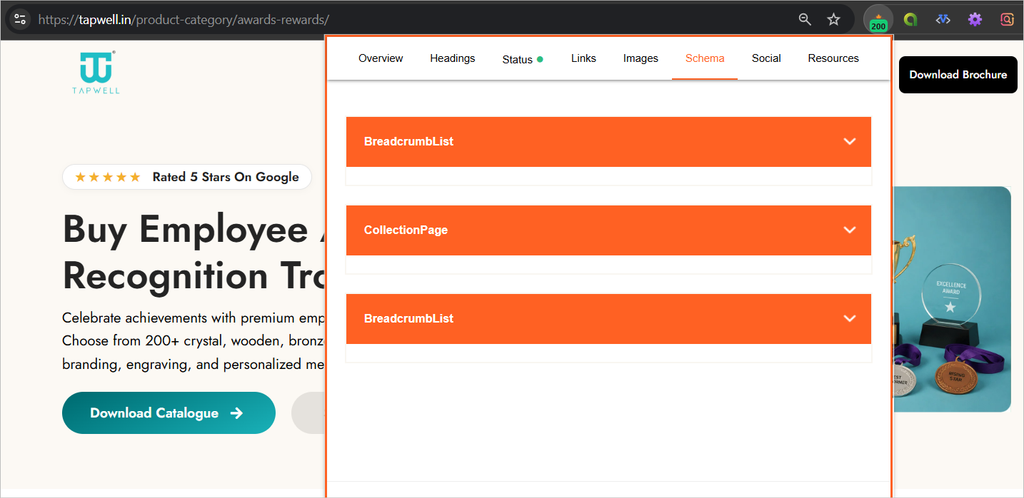
Put simply, schema markup gives search engines a clearer way to understand the important details of your webpage.
Different formats of structured data
There are three main formats you can use to add schema markup to a webpage:
1. JSON-LD
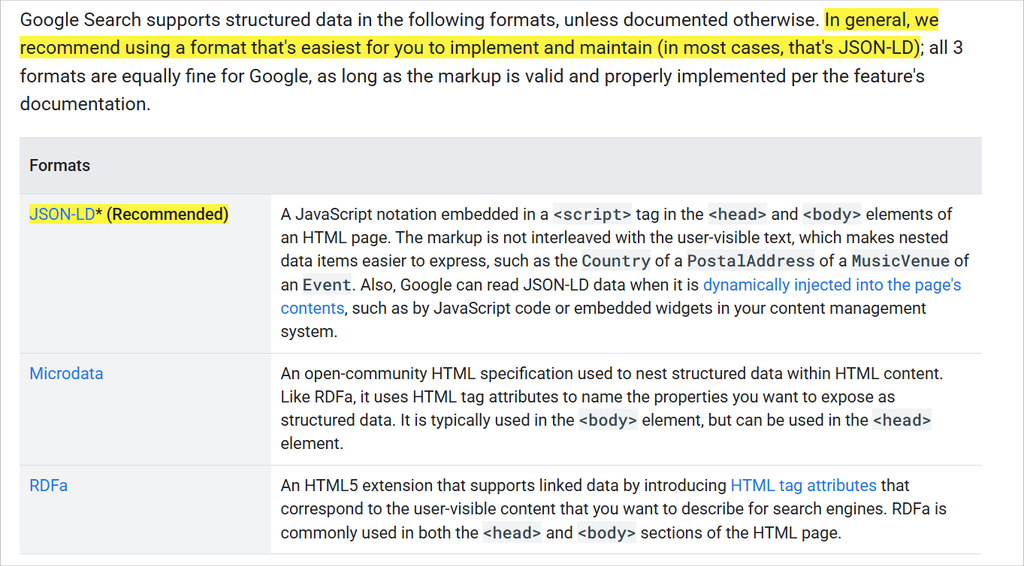
JSON-LD is the most commonly recommended format for schema markup. You add the structured data inside a <script> tag, usually in the page <head> or <body>. It keeps the schema separate from the visible content, which makes it easier to add and manage.
Code example:
<script type="application/ld+json">

{

  "@context": "https://schema.org",

  "@type": "Article",

  "headline": "What Is Schema Markup in SEO?",

  "author": {

    "@type": "Person",

    "name": "John Doe"

  },

  "datePublished": "2026-09-06"

}

</script>
2. Microdata
Microdata adds schema information directly to the HTML elements on a webpage. It uses HTML attributes to tell search engines what each piece of content represents.
Code example:
<article itemscope itemtype="https://schema.org/Article">

  <h1 itemprop="headline">

    What Is Schema Markup in SEO?

  </h1>

  <div itemprop="author" itemscope itemtype="https://schema.org/Person">

    By <span itemprop="name">John Doe</span>

  </div>

  <time itemprop="datePublished" datetime="2026-09-06">

    September 6, 2026

  </time>

</article>
3. RDFa
RDFa is an HTML5 extension that adds structured data through HTML attributes. Like Microdata, it connects the structured information directly to the content on the page.
Code example:
<article vocab="https://schema.org/" typeof="Article">

  <h1 property="headline">

    What Is Schema Markup in SEO?

  </h1>

  <div property="author" typeof="Person">

    By <span property="name">John Doe</span>

  </div>

  <time property="datePublished" datetime="2026-09-06">

    September 6, 2026

  </time>

</article>
For most websites, JSON-LD is the preferred option because Google recommends it as the easiest format to implement and maintain.
Why you should test structured data with both schema tester
Schema markup validation and Google rich result eligibility are not the same thing. A piece of structured data can be valid according to Schema.org and still fail to qualify for a Google rich result.
That is why you should test your markup with both the Schema Markup Validator and Google’s Rich Results Test before adding it to your website.
What is Schema Markup Validator?
The Schema Markup Validator checks whether your structured data follows the Schema.org vocabulary and its technical rules. It helps you find issues such as invalid properties, incorrect value types, missing required syntax, or invalid nesting.
Its main purpose is to answer:
“Is my structured data valid according to Schema.org?”
For example, you could add an event property inside an Organization schema.
We tested the above schema code using schema validator and found no errors or warnings:
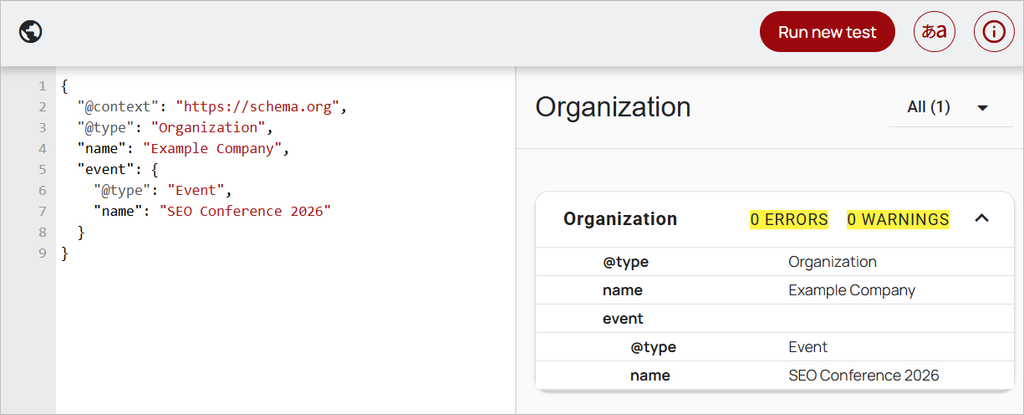
If the structure and property types are valid according to Schema.org, the Schema Markup Validator may accept the code without showing an error or warning.
👉 Try Schema Markup Validator
What is Google Rich Results Test?
Google’s Rich Results Test checks whether your structured data can qualify for Google search features such as event results, product results, recipe results, and other supported rich results.
Its main purpose is to answer:
“Can Google use this structured data to create a rich result in the SERP?”
The tool applies Google’s own structured data requirements. These requirements can be stricter than the general Schema.org specification.
👉 Try Google Rich Results Test
Now, we tested the same Organization schema code using the Rich Results Test. The tool gives a clear warning that the location and startDate fields are required:
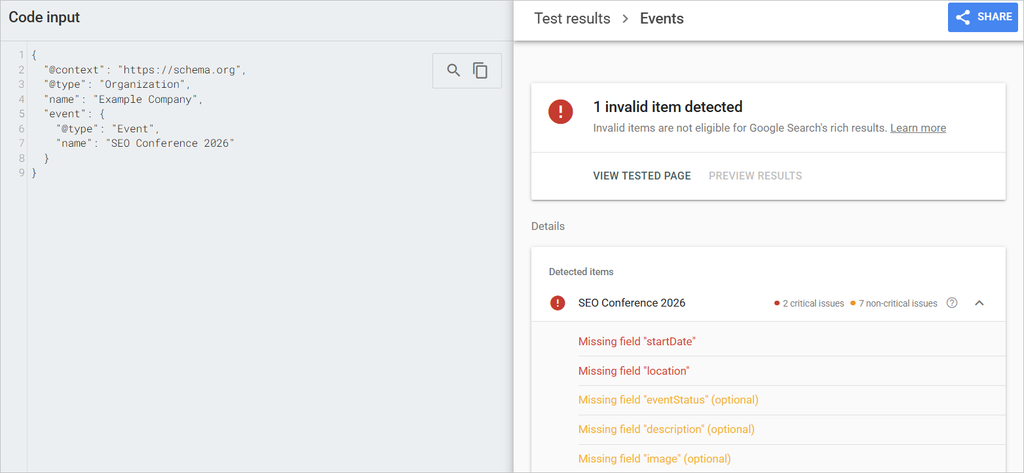
This creates an important distinction:
- Schema Markup Validator: The markup is valid Schema.org structured data.
- Rich Results Test: The markup may not meet Google’s requirements for an Event rich result.
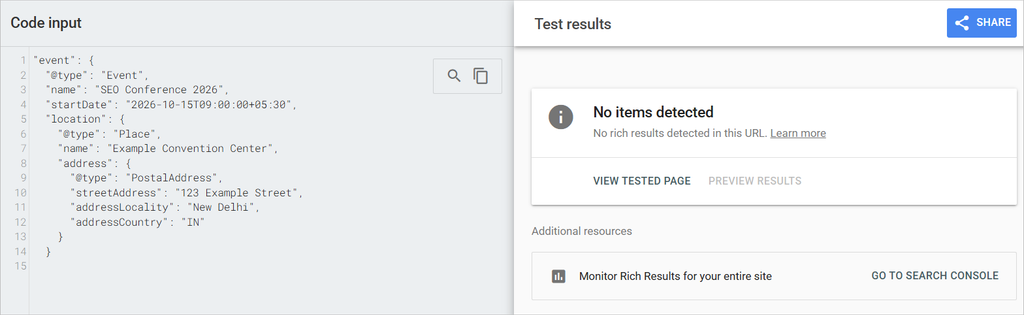
Adding the required Event information now gives no error in the rich results tester:
"event": {

  "@type": "Event",

  "name": "SEO Conference 2026",

  "startDate": "2026-10-15T09:00:00+05:30",

  "location": {

    "@type": "Place",

    "name": "Example Convention Center",

    "address": {

      "@type": "PostalAddress",

      "streetAddress": "123 Example Street",

      "addressLocality": "New Delhi",

      "addressCountry": "IN"

    }

  }

}
This is why passing one validator does not mean your structured data is ready for Google Search.
Why test both?
Use the Schema Markup Validator to check Schema.org validity and the Rich Results Test to check Google Search eligibility.
Testing both gives you a more complete check. The first tool helps confirm that your markup uses the vocabulary correctly. The second helps confirm that your markup meets Google’s requirements for supported search features.
So, before publishing structured data, run the code through both tools. A markup that passes the Schema Markup Validator can still have Google-specific errors that only appear in the Rich Results Test.
4 tools to quickly test and validate your schema markup
Schema Markup Validator
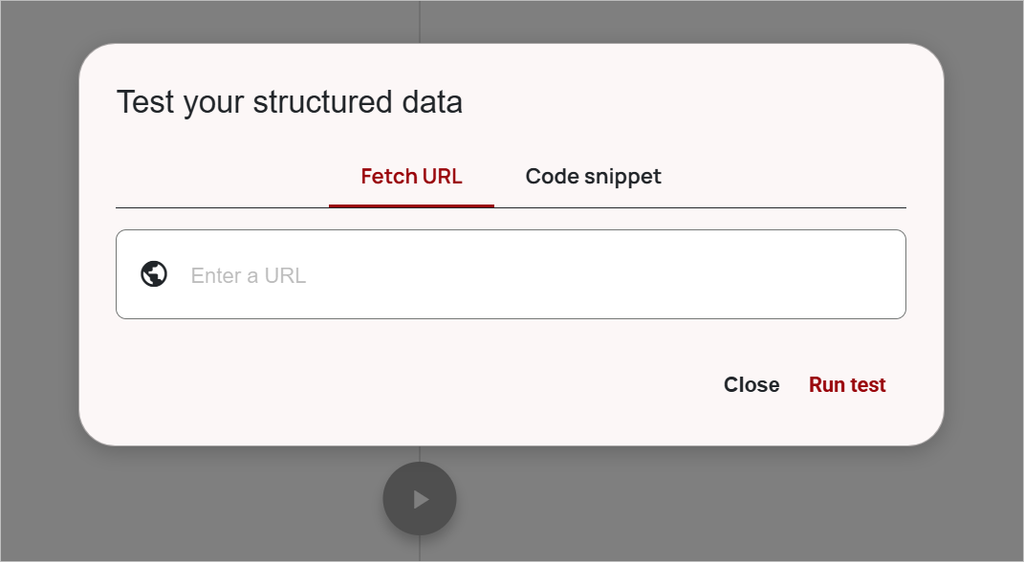
The Schema Markup Validator checks whether your structured data follows Schema.org standards. It helps you find invalid properties, incorrect data types, and structural issues in your markup.
Google Rich Results Test
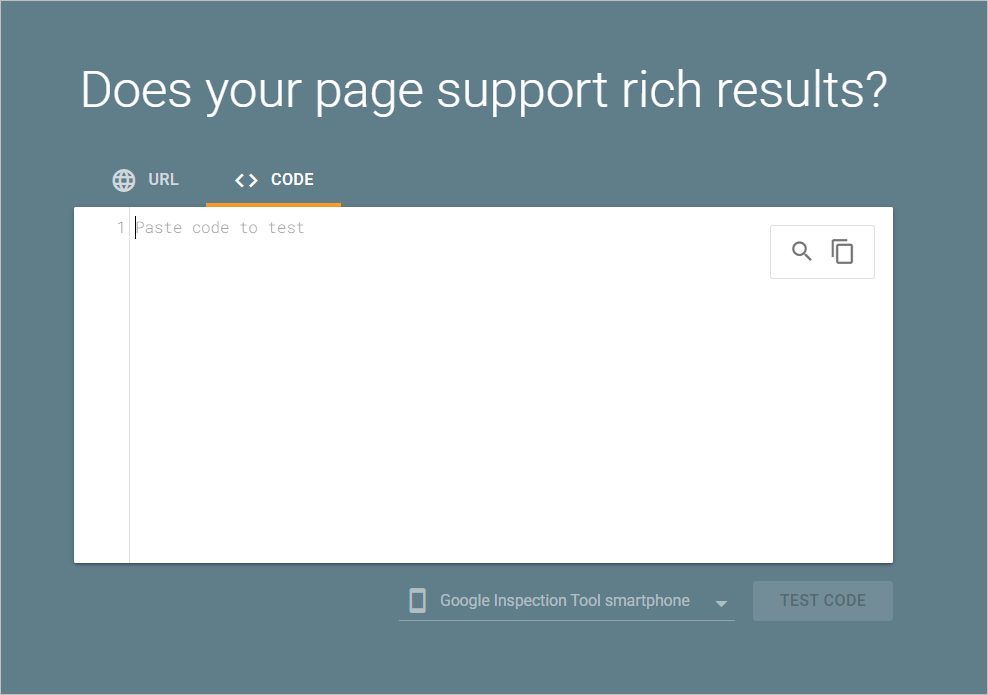
Google Rich Results Test checks whether your structured data meets Google’s requirements for eligible rich results. It can identify missing fields and other issues that the Schema Markup Validator may not flag.
SEO Pro Extension
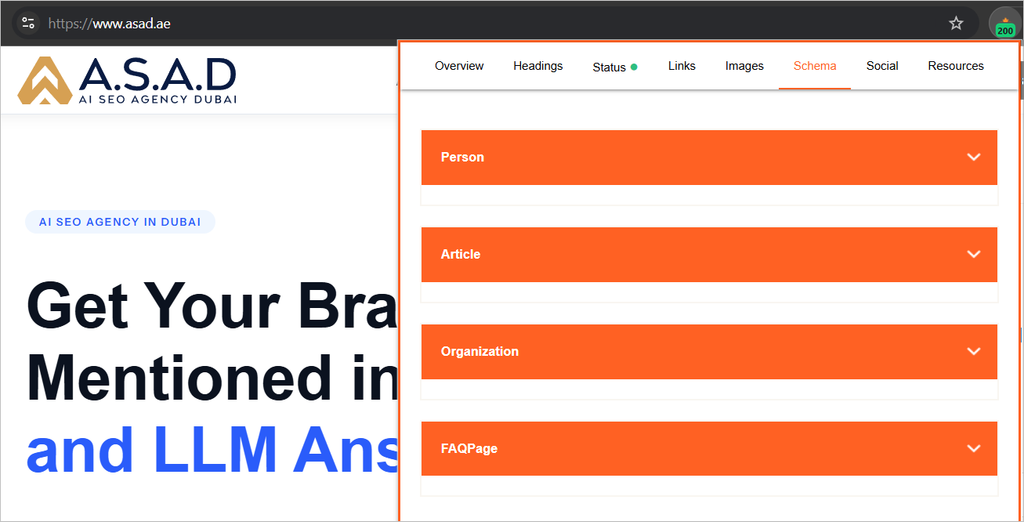
SEO Pro Extension is a Chrome extension that lets you quickly check the Schema markup used on a webpage. Open the Schema tab to view the structured data implemented on the page without manually checking the source code.
It supports different types of Schema markup and makes it useful for quickly inspecting a competitor’s or your own implementation during an SEO audit.
Download SEO Pro Extension on Chrome Web Store
Final words
Schema markup is only one part of your website’s technical SEO. Testing it before implementation helps you avoid errors, but your website may still have other technical and on-page issues that affect how search engines crawl, understand, and rank your pages.
Before you publish your structured data, test it with the right tools and fix any issues they find. Then look at the bigger picture. Check your site for indexing problems, broken links, poor page structure, missing metadata, content issues, internal linking gaps, and other SEO problems.
Want to know what is holding your website back?
👉Get a free SEO proposal and let our team audit your website for technical and on page SEO issues. We will identify the problems that need attention and show you where your site can improve.